

Overview
Enabling mev-commit on your relay is simple and requires minimal changes to your existing setup.
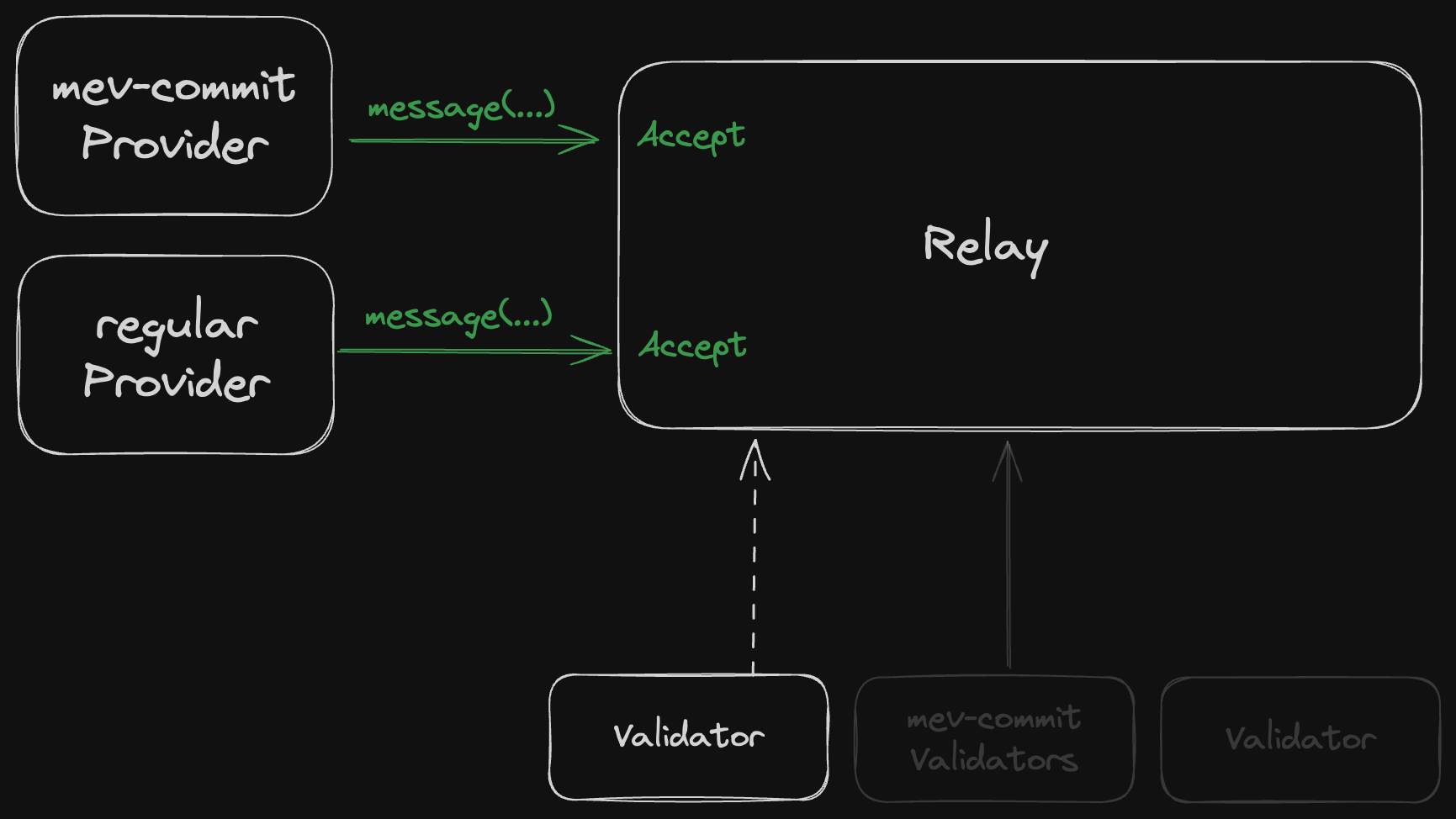
- If they haven’t opted in, your relay works normally:
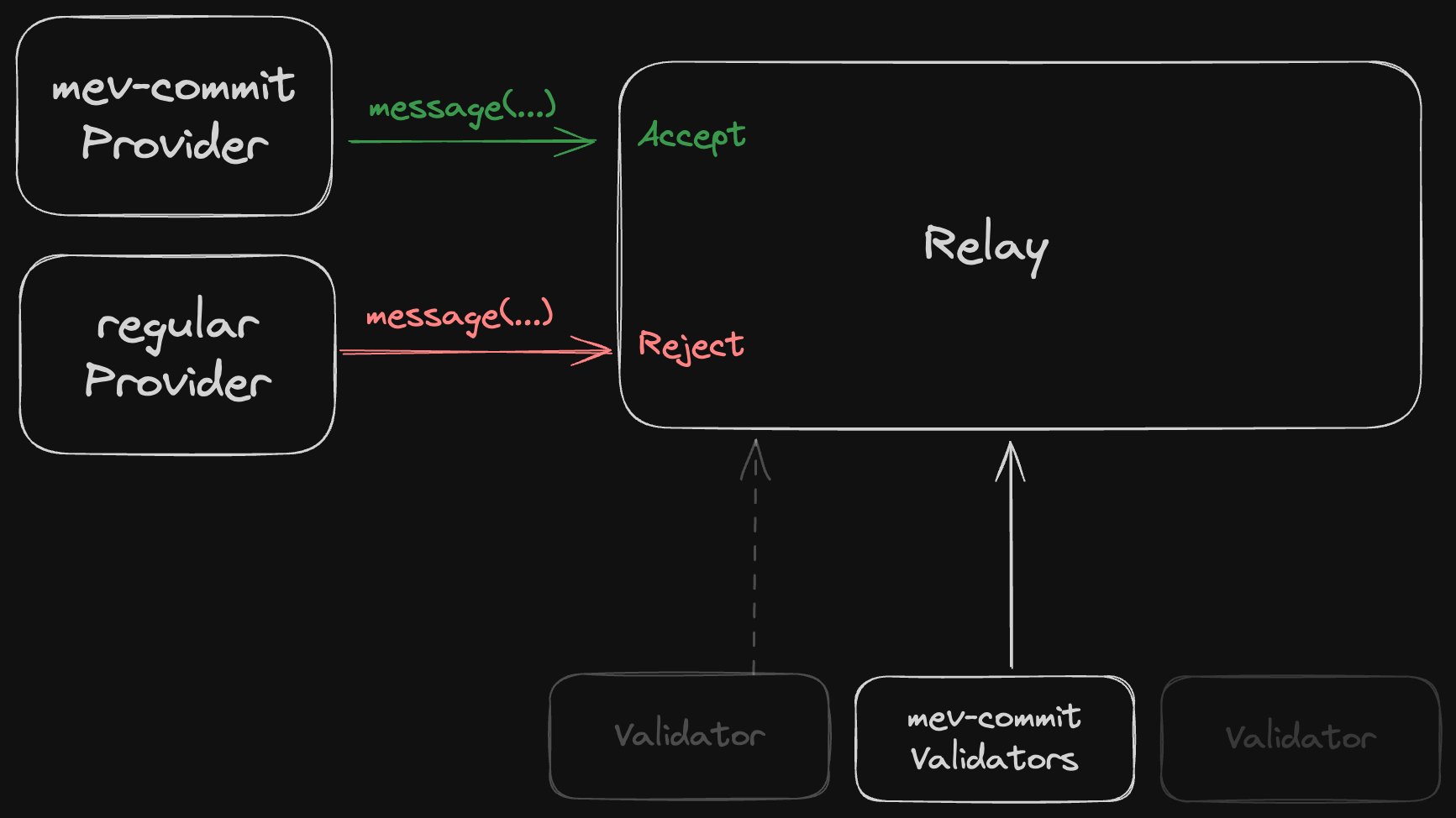
- If they have opted in, your relay only accepts blocks from mev-commit builders:
- Provider Registry: Lists opted-in builders and their BLS keys
- Validator Registry: Shows which validators have opted into mev-commit
Quick Start
1
View the Example Implementation
2
Test and Deploy
Test filtering behavior on Hoodi:
- Register a test builder
- Submit test bids
- Verify correct block filtering
3
Register Your Relay
- Add your relay to our supporting relays list
- Provide connection details for validators
- Contact the Primev team to coordinate validator outreach
Implementation Details
What Contracts to Monitor
To track which validators have opted into mev-commit, you’ll want to monitor the following contracts:Ethereum L1
mev-commit Chain
By monitoring these contracts, you can determine which validators and providers have opted into mev-commit and ensure compliance with the protocol.
How to Query the Provider Registry
The mev-commit provider registry contract maintains the list of authorized providers such as block builders. You can query this contract to validate builder addresses. Contract Details:How to query the registry for registered providers
How to query the registry for registered providers
You can retrieve all registered providers using the following script:
Expected Output
Expected Output
The output will contain the number of all registered keys and a list of providers with their registered BLS public keys.